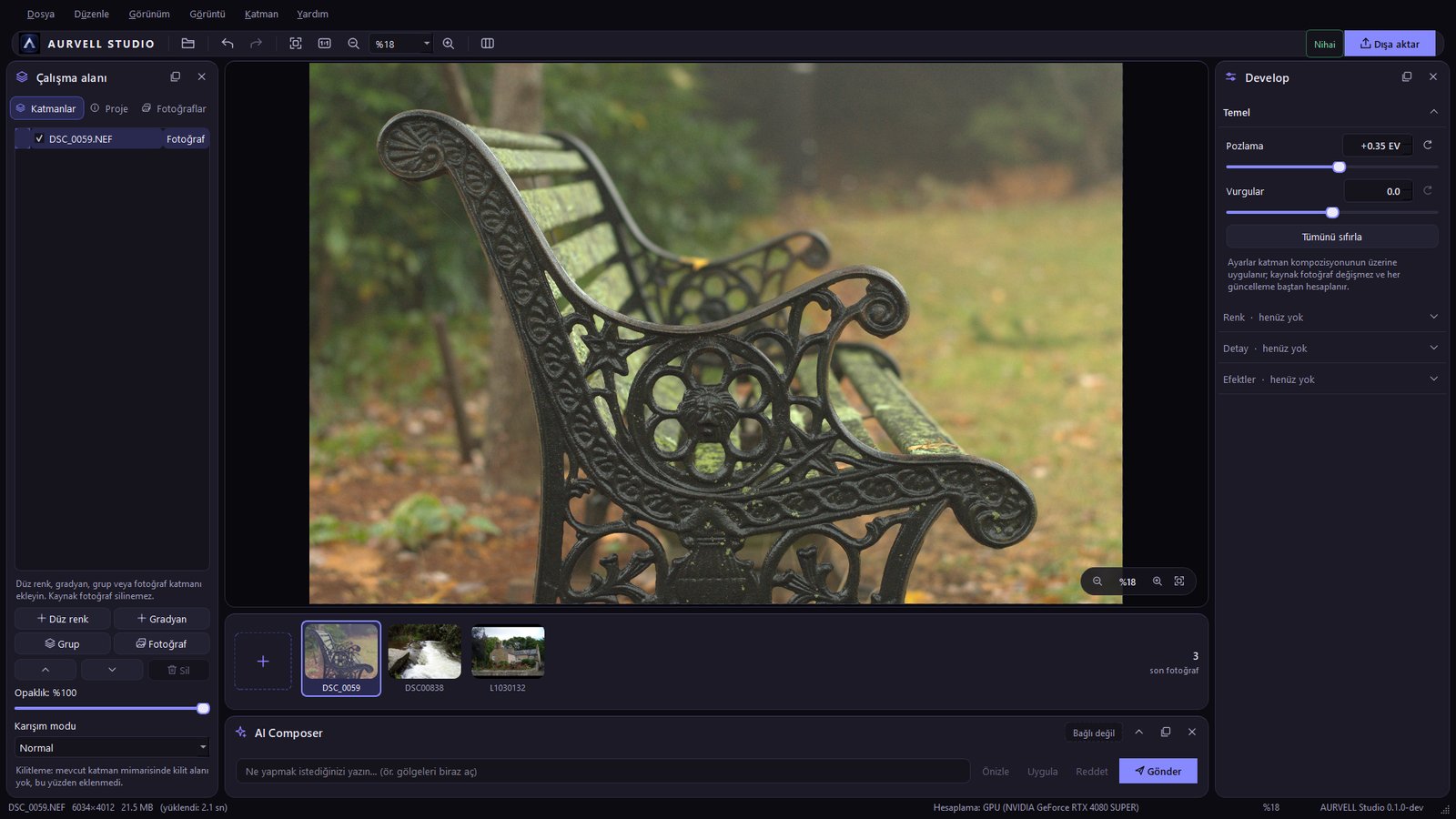
Adjustments such as exposure and highlights are applied on top of the layer composite. The source photo never changes, and the result is recalculated on every update.
Open RAW (DNG) files
Exposure and highlights in the Develop panel
Reset adjustments in one click
The source photo cannot be deleted or altered
LIBRARY
A flow for many photos.
Switch quickly between open photos with the filmstrip and work with several images in one session.
Thumbnails in the filmstrip
Session saving and reopening
Photo, solid color, gradient and group layers
MASK
Selective editing.
Apply edits only where you want with selections and masks. Black hides, white reveals, gray sits in between.
Create a mask from a selection
Retouch with the mask brush
Soft-edged ellipse masks
Join the early access list
Be the first to know when AURVELL Studio is ready. No spam, only the updates that matter.